TinyStopwatch: Menu bar timers for focused work
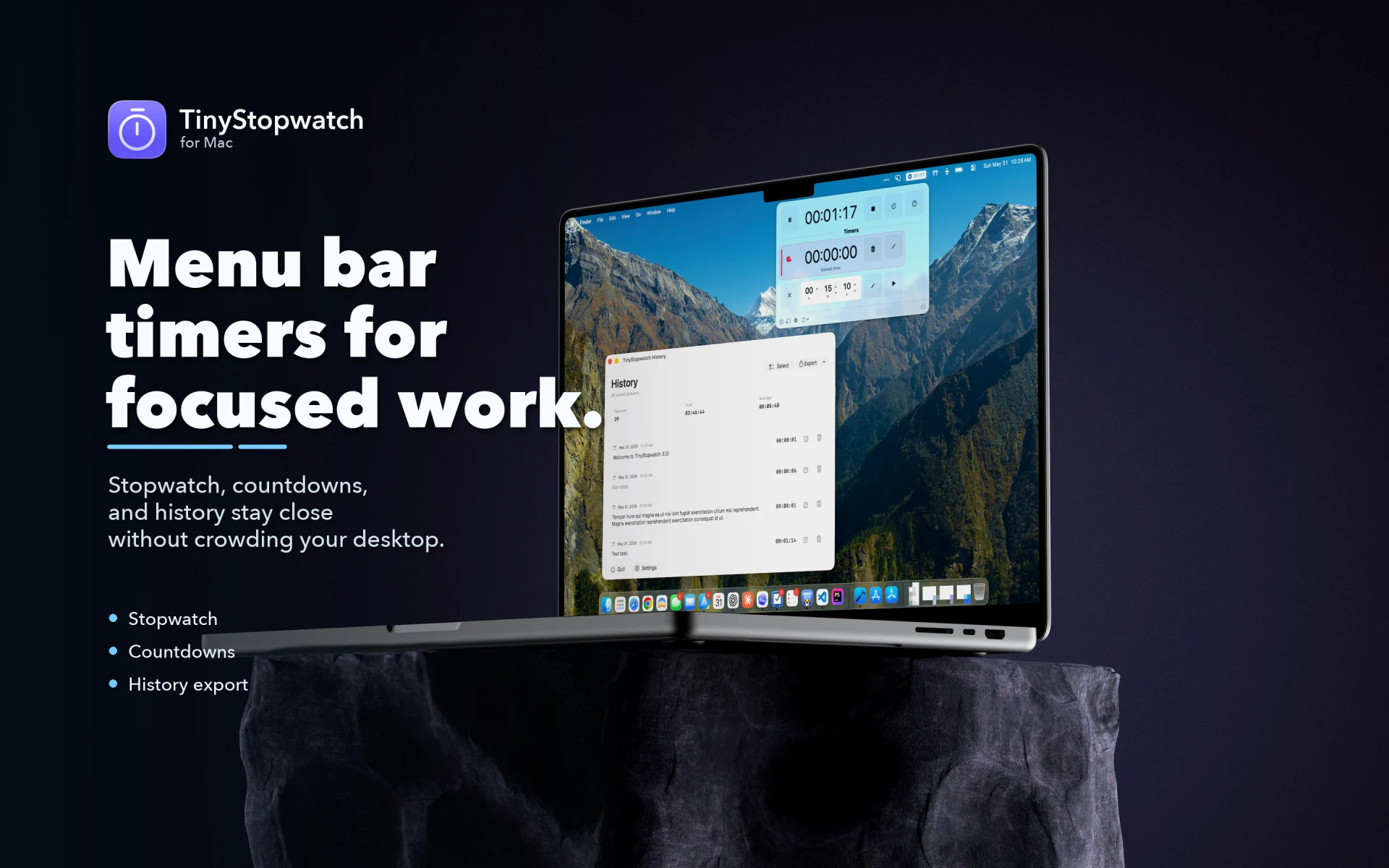
TinyStopwatch keeps a stopwatch and your countdown timers in the menu bar. Start timing in one click, keep the time in view while you work, and look back at every session when you need the numbers.


- Price
- Free, with a one-time Pro upgrade
- Works on
- Mac
- Requires
- macOS 15.6 or later
On your Mac
Timing that stays out of the way.
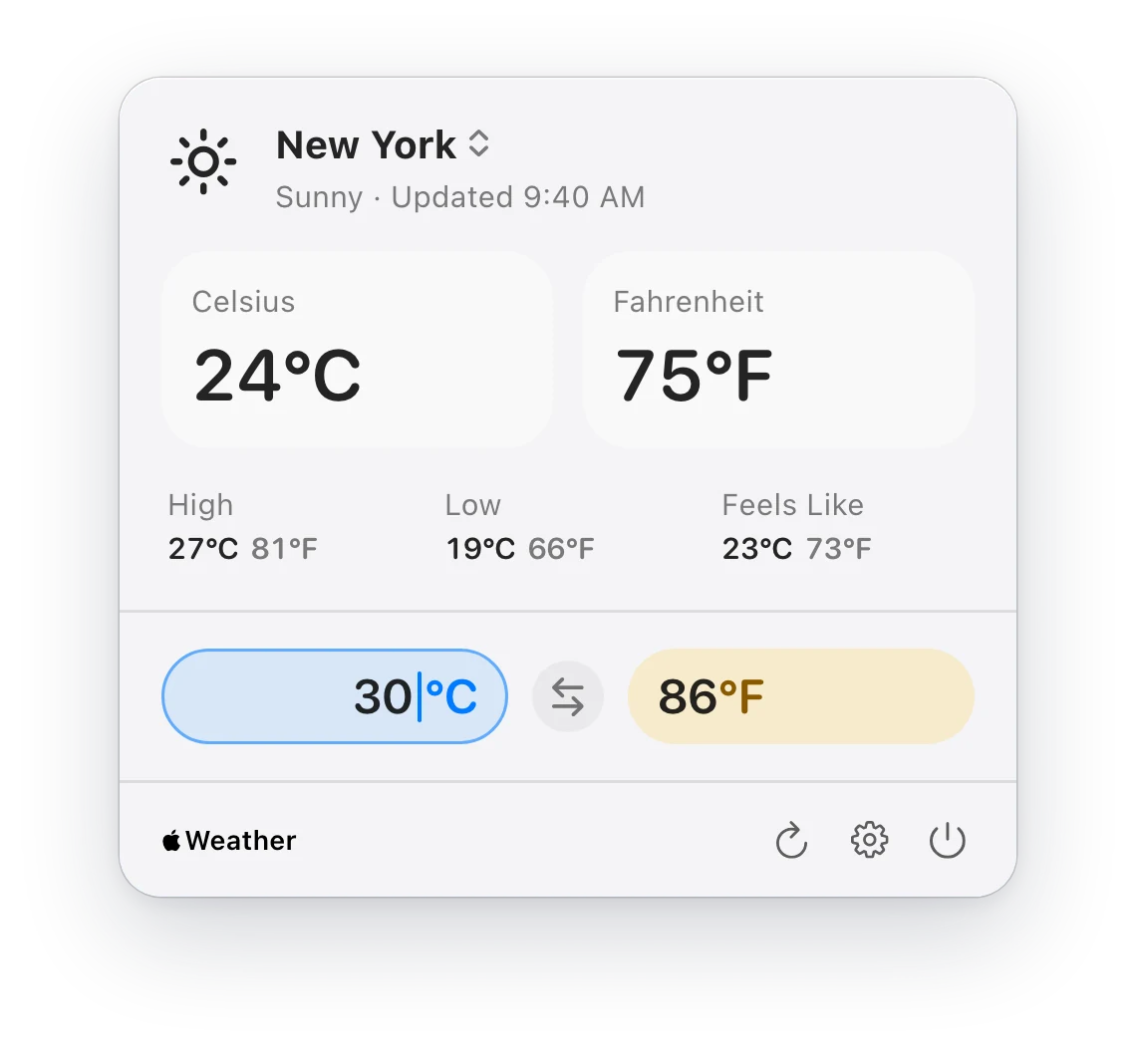
The popup holds your stopwatch and timers. The History window keeps what you tracked, ready to review or export when it is time to report or invoice.
Features
What TinyStopwatch does.
Time in the menu bar
The running time stays in view by the clock. Choose the format it is shown in, its background and its color indicators.
Countdown timers
Set timers for breaks, sprints and time-boxed work, and get a notification when one runs out.
Session history
Every finished session is saved. Add notes, edit or delete entries, see totals and averages, and export to CSV.
A window when you want one
Detach the stopwatch into a window of its own when it should stay in front of your work.
Labels
Name your stopwatches and timers, so you can tell at a glance what each one is for.
- Pro
Multiple stopwatches
Track parallel work with more than one stopwatch running at the same time.
- Pro
Global shortcuts
Start, pause, stop and show TinyStopwatch from any app, without reaching for the menu bar.
- Pro
Pause on sleep
Elapsed time stays accurate when your Mac goes to sleep in the middle of a session.
Pricing
Free to use. An upgrade when you want more.
TinyStopwatch
Free
On the Mac App Store
- Stopwatch in the menu bar
- Countdown timers with notifications
- Labels and session history
- CSV export
- Detached stopwatch window
TinyStopwatch Pro
One-time purchase
An in-app purchase, with no subscription.
- Multiple stopwatches at once
- Global keyboard shortcuts
- Pause when your Mac sleeps
- Keep a stopwatch’s name after it stops
Questions
About TinyStopwatch.
Stuck, or missing something? The FAQ covers the usual menu bar puzzles, and we read every message.
Is TinyStopwatch free?
Yes. The stopwatch, countdown timers, labels, history and CSV export are free.
TinyStopwatch Pro is a one-time purchase with no subscription. It adds multiple stopwatches, global keyboard shortcuts and pausing when your Mac sleeps.
Is TinyStopwatch available on Setapp?
Yes, as a standalone app on the Setapp Marketplace. It is sold on its own there, from $4.99 a year with a 7-day free trial, and is not part of the Setapp membership.
The Setapp version has every Pro feature built in, so there is nothing more to buy.
Can I export the time I tracked?
Yes. The History window exports all of your sessions, or only the ones you select, as a CSV file, with durations in seconds or as formatted time.
Which versions of macOS does TinyStopwatch support?
TinyStopwatch needs macOS 15.6 or later.