Version 2.0 coming soon
TinyNotepad: Quick notes in your menu bar
TinyNotepad keeps a notepad one click away in your menu bar. Click the icon or press your shortcut, write, and close it again. Everything saves as you type.
Version 2.0, shown on this page, will be available soon. Until then, the Mac App Store has the earlier version, which looks different.
- Price
- Free, with TinyNotepad Plus at $4.99 a year
- Works on
- Mac
- Requires
- macOS 15 or later
New in 2.0
Rebuilt for today’s Mac.
Use it for quick notes, to-do lists, code snippets, things to paste later, or anything you want to keep close. Your notes from earlier versions come along automatically.
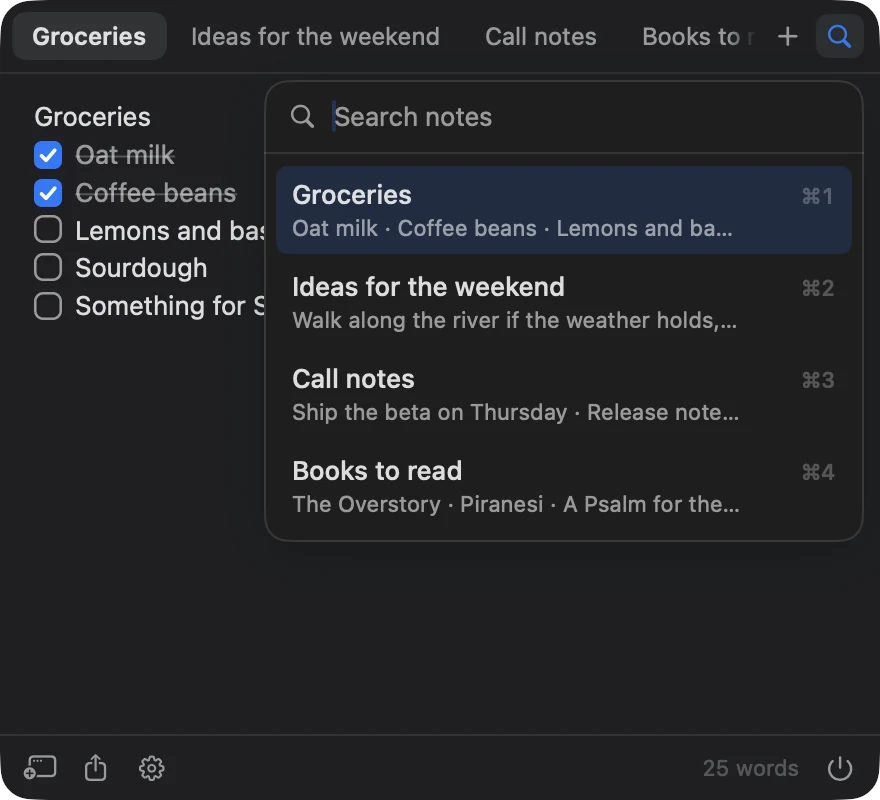
Tabs for every note
⌘1 to ⌘9 switch notes. ⌘K searches them all.
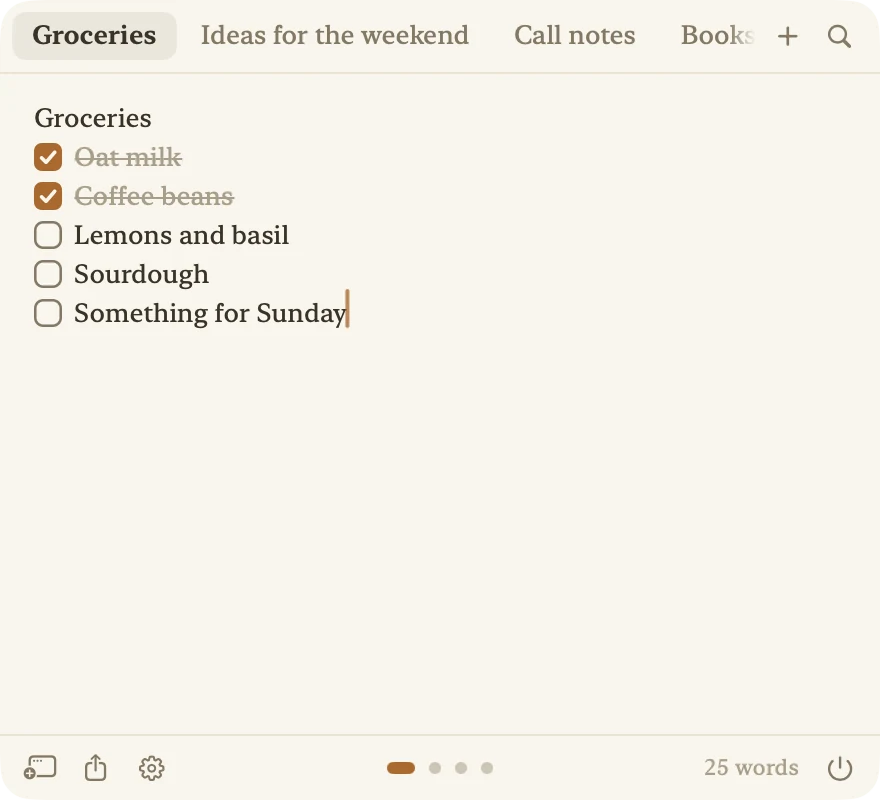
Checklists that keep up
Bullets, numbers and checkboxes continue as you type. Click a box to check it off.
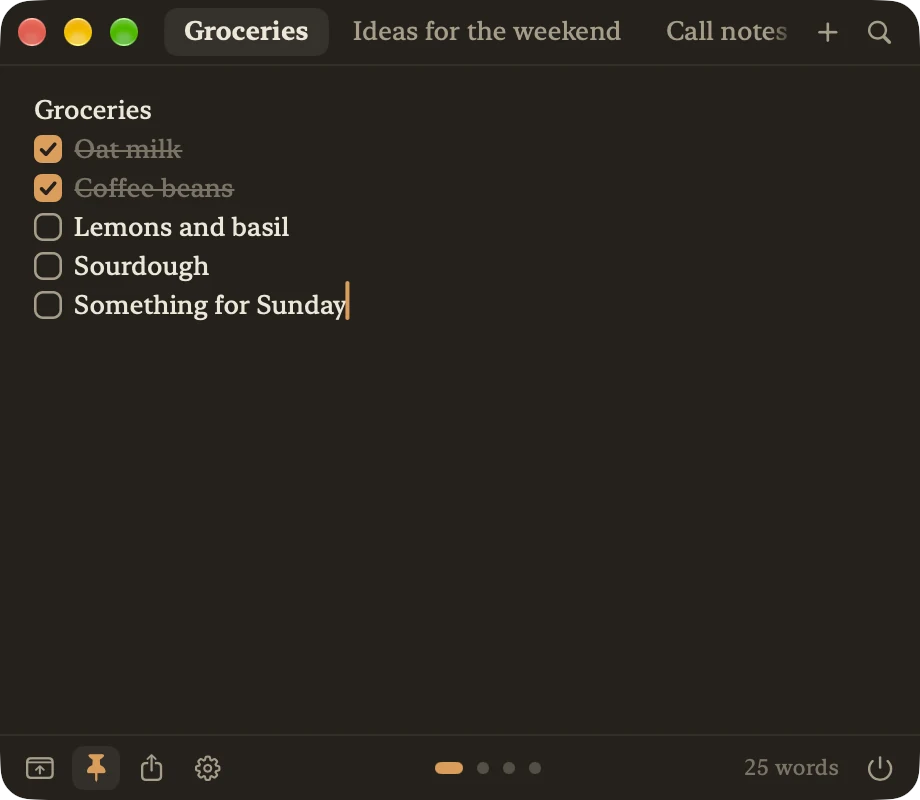
Paper, or a window of its own
A warm Paper look with Plus, and a floating window that stays above your work.
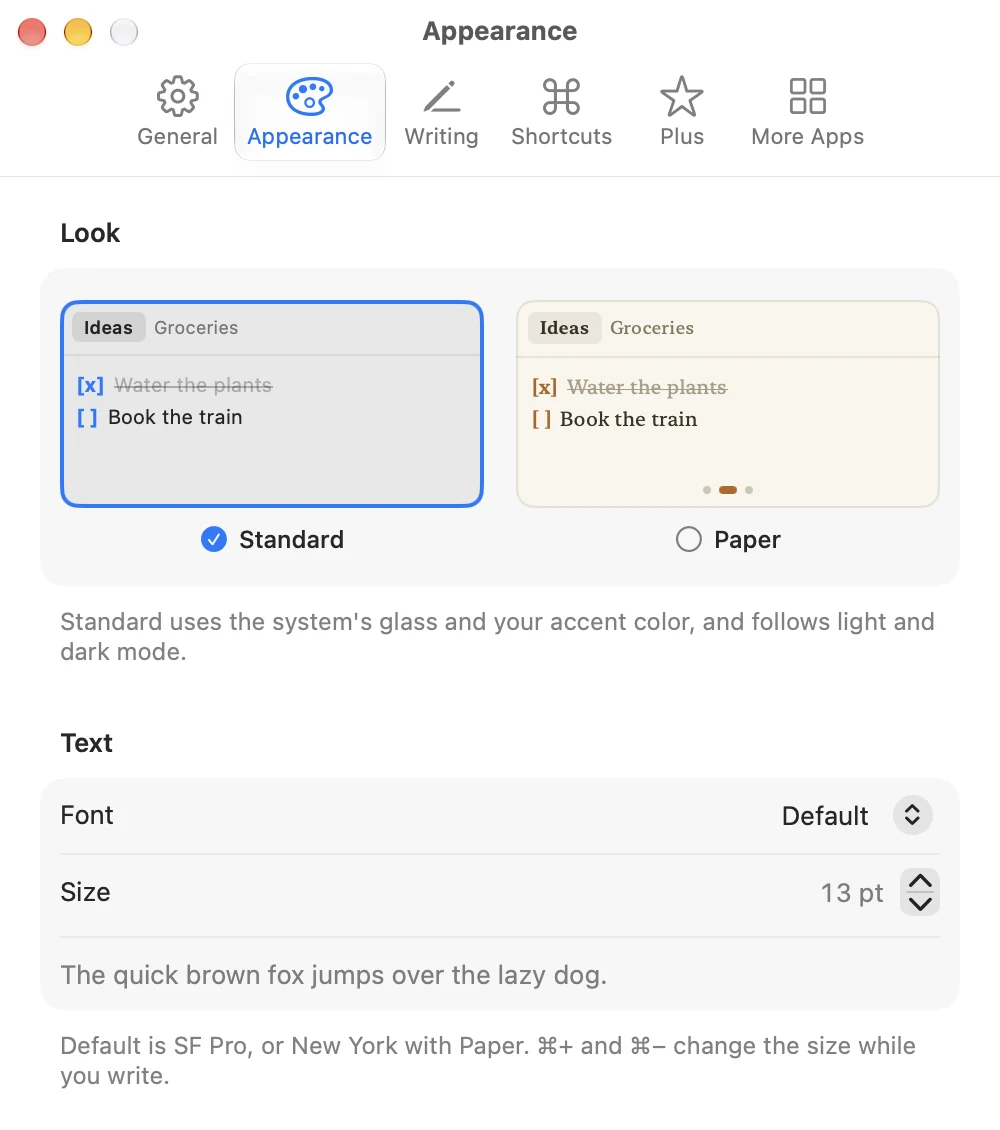
Make it yours
Standard or Paper, light or dark, your font, your size, your shortcut.
Features
What TinyNotepad does.
Notes as tabs
Each note gets its own tab, named after its first line. ⌘1 to ⌘9 jump between notes, and ⌘K searches all of them.
Checklists that keep up
Bullets, numbers and to-dos continue when you press Return. Click a box to check an item off.
Markdown as you type
Bold, italic, strikethrough, code and headings are styled in place. Your notes stay plain text and export as text files.
A shortcut from any app
Record a global keyboard shortcut and TinyNotepad opens wherever you are working.
Popup or window
Use the popup under the menu bar, or keep the notepad in a window that floats above other apps.
Your font, your size
Pick the font and size you like to write in, in light or dark mode, with Find and Replace built in.
- Plus
iCloud sync
Keep your notes the same on every Mac, and mark the ones that should stay on one Mac only.
- Plus
The Paper look
A warm sheet set in New York with amber ink, in light and dark, next to the standard look.
Pricing
Free to use. An upgrade when you want more.
TinyNotepad
Free
On the Mac App Store
- Up to three notes
- Tabs, search and checklists
- Markdown styled as you type
- Global shortcut and floating window
- Export one note or all of them
TinyNotepad Plus
$4.99 a year
Bought TinyNotepad before 2.0? Unlimited notes and Paper are already yours.
- iCloud sync between your Macs
- Unlimited notes
- The warm Paper look
Questions
About TinyNotepad.
Stuck, or missing something? The FAQ covers the usual menu bar puzzles, and we read every message.
Is TinyNotepad free?
Yes, with up to three notes. TinyNotepad Plus is $4.99 a year and adds iCloud sync between your Macs, unlimited notes and the Paper look.
I bought TinyNotepad before version 2.0. Do I have to pay again?
No. Unlimited notes and the Paper look are already yours. iCloud sync is part of TinyNotepad Plus.
Your notes from the earlier version are imported the first time you open 2.0.
Where are my notes stored?
On your Mac. When you turn on iCloud sync, they are also kept in your own iCloud so your other Macs can show them. There is no account with us and no tracking.
To keep a note off iCloud, right-click its tab and choose Keep on This Mac Only.
Does TinyNotepad support Markdown?
Yes. Bold, italic, strikethrough, code and headings are styled while you write. The marks stay in the note, so your notes remain plain text that pastes cleanly anywhere.
Which versions of macOS does TinyNotepad support?
TinyNotepad 2.0 needs macOS 15 or later.