TinyCelsius: Celsius + Fahrenheit Weather
TinyCelsius shows the weather in Celsius and Fahrenheit, side by side, so nobody has to convert in their head. It lives in the Mac menu bar by the clock, on iPhone and iPad, and in widgets on all three.
- Price
- Free
- Works on
- Mac, iPhone and iPad
- Requires
- macOS 26, iOS 26 or iPadOS 26, or later
On your Mac
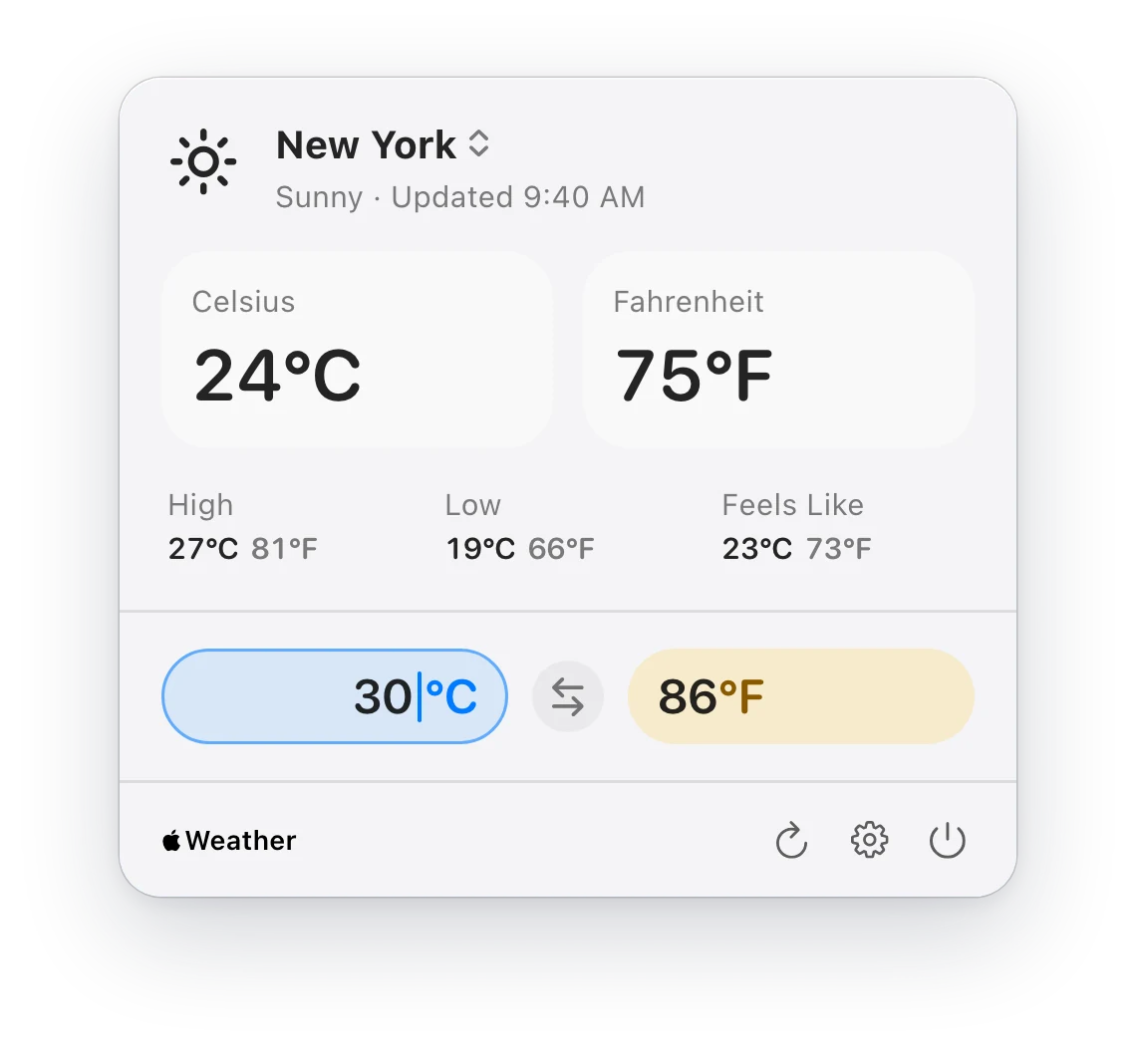
Celsius and Fahrenheit, right by the clock.
Convert a temperature, switch between your places, and add desktop widgets that show both units.
- The menu bar panel shows today’s high, low and feels-like
- Type a temperature in the panel to convert it
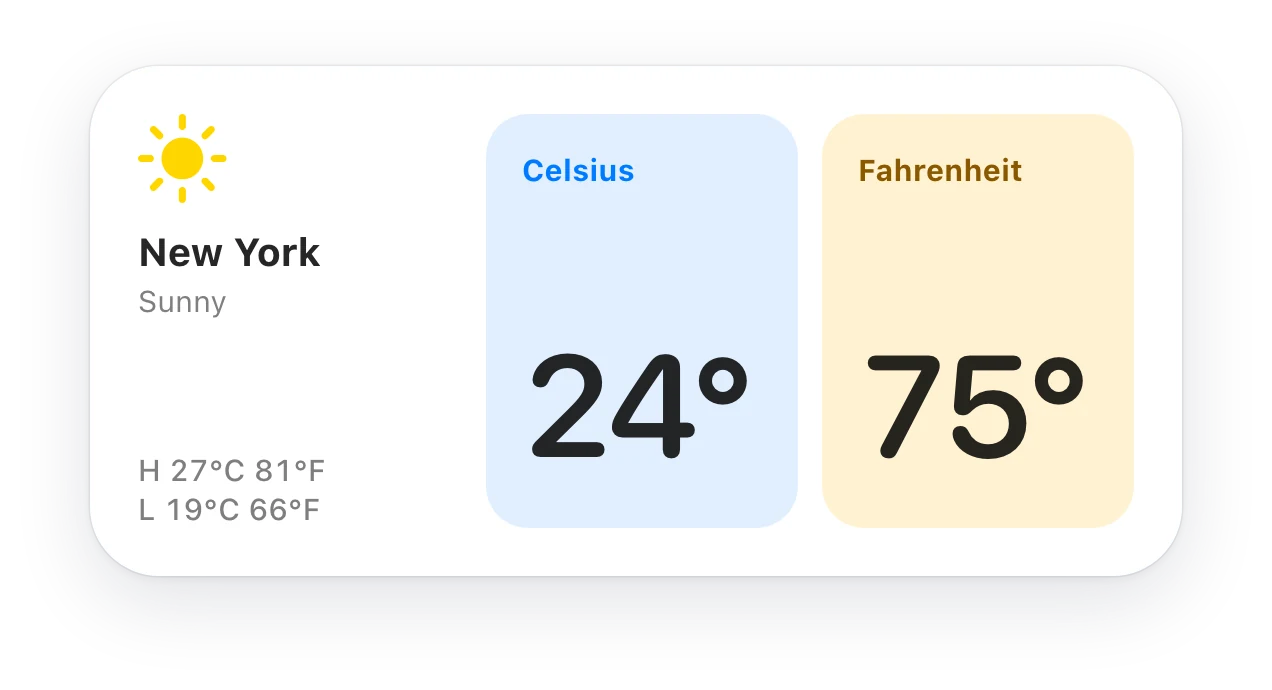
- Desktop and Notification Center widgets, small and medium
- Open at Login keeps it in your menu bar after a restart
On iPhone and iPad
The same two numbers, in your pocket.
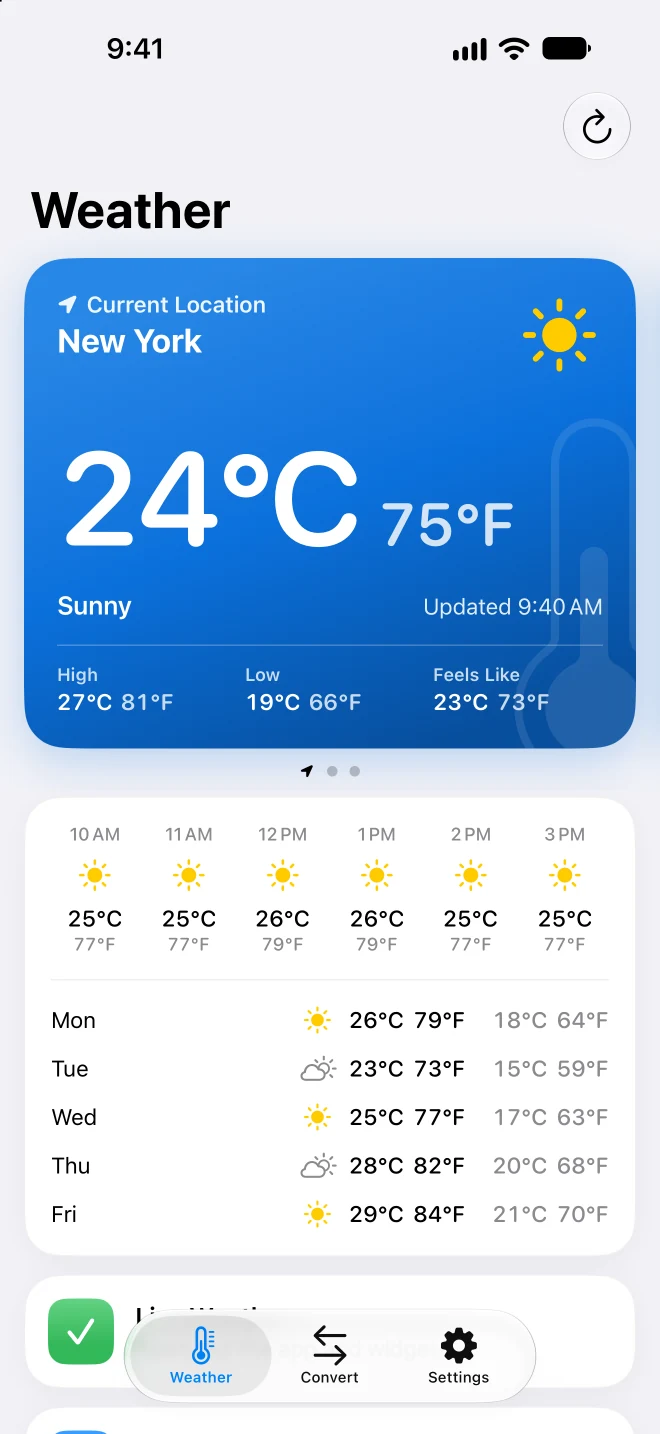
Both units, at a glance
Celsius and Fahrenheit side by side, with today’s high, low and forecast.
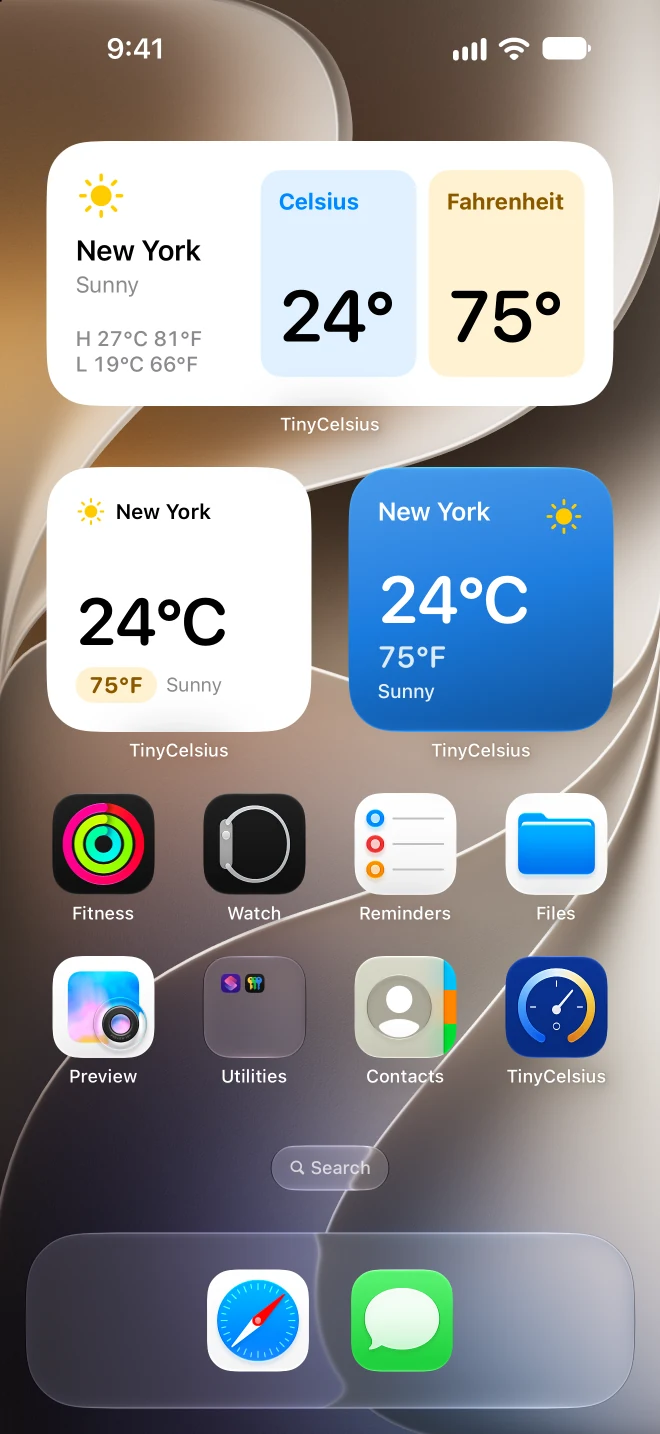
Widgets in three styles
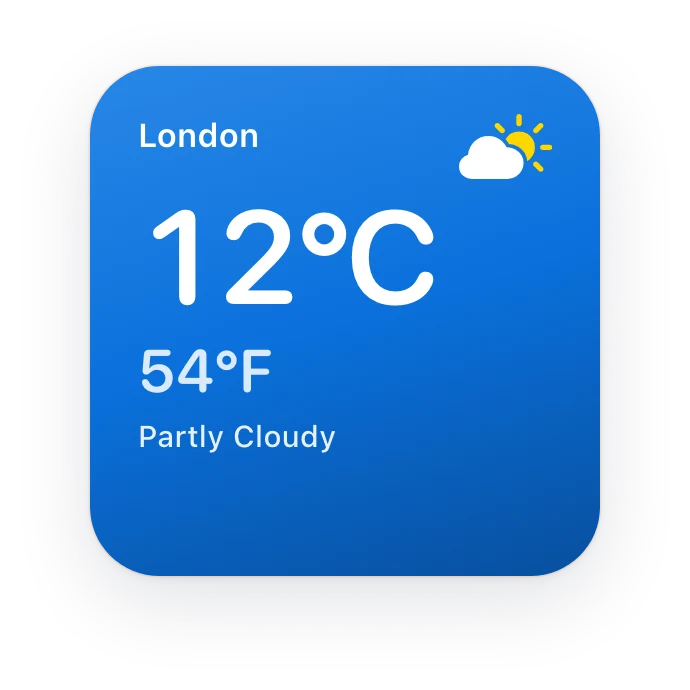
Clean, Sky or Dual Tiles, with both units in every size.
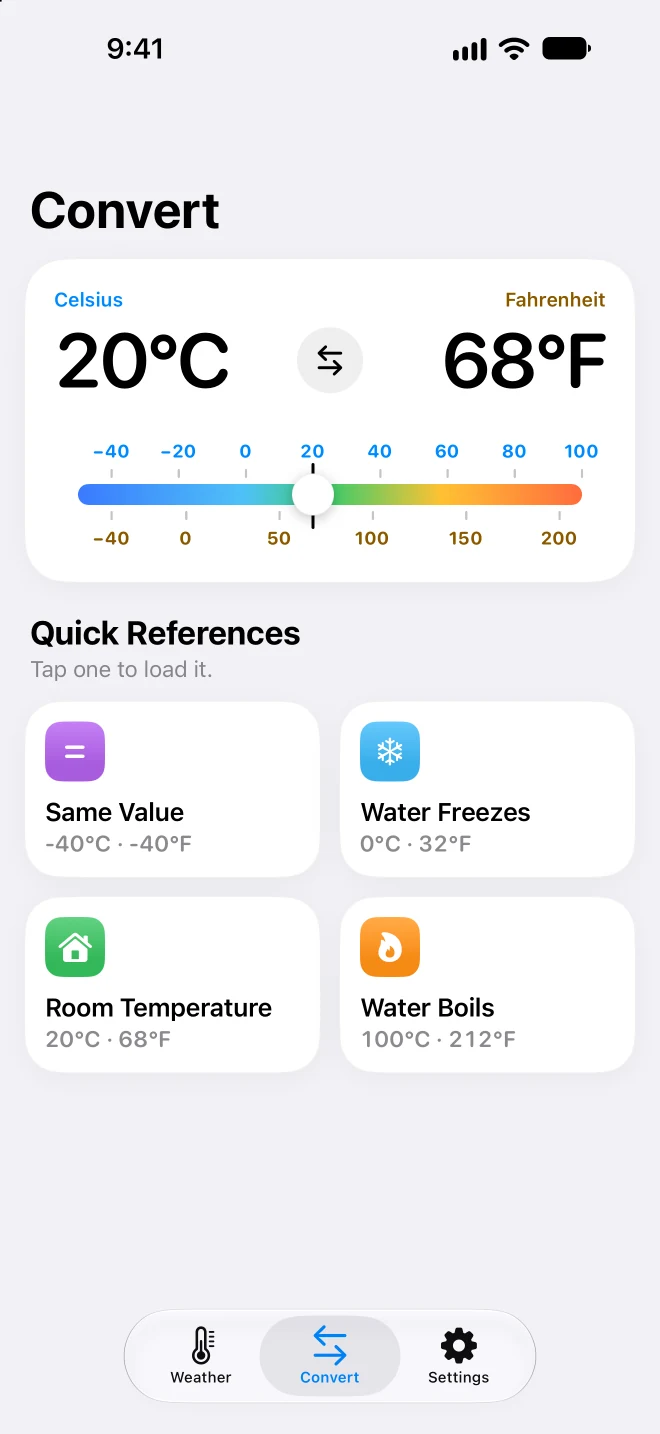
Drag or type
Drag the thermometer, or tap a reading and type a temperature.
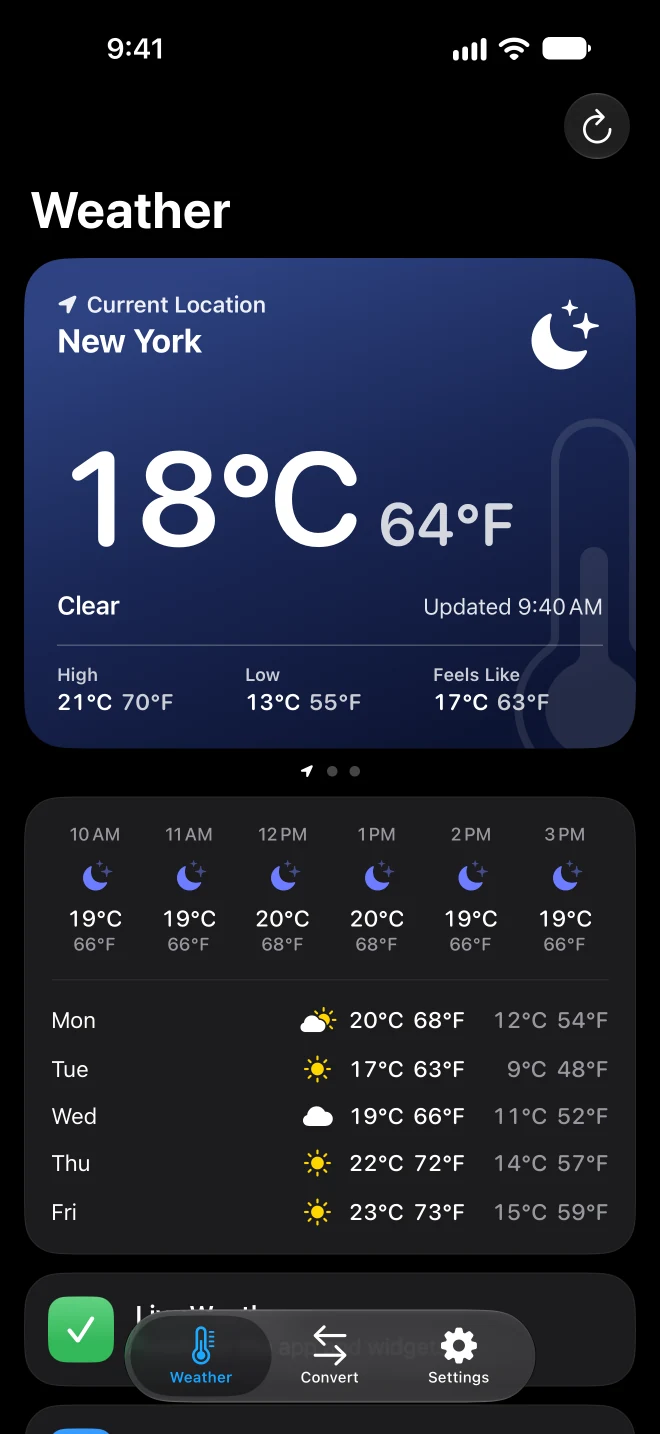
Tinted by the sky
The weather card follows the weather and the time of day.
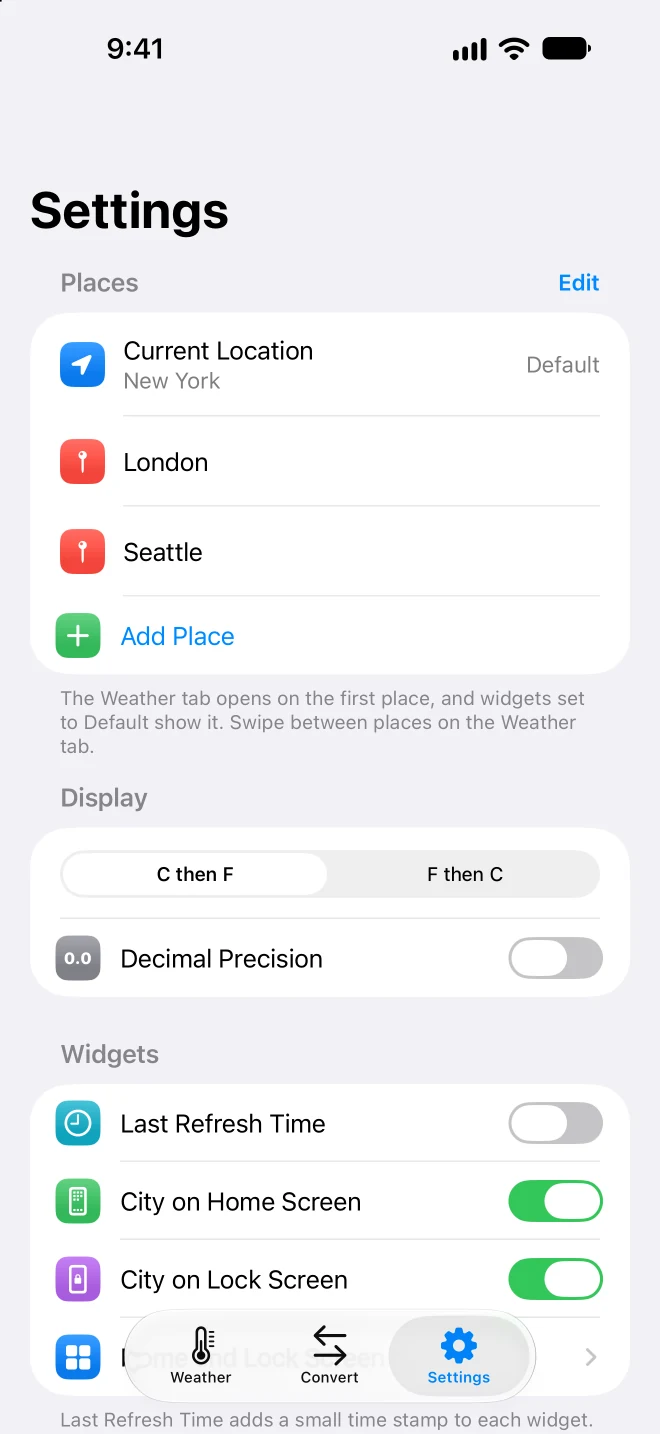
All your places
Where you are and the cities you care about, each with its own widget.
Features
What TinyCelsius does.
Both units, at a glance
Wherever TinyCelsius shows a temperature, Celsius and Fahrenheit are both there. Choose which one comes first.
In the Mac menu bar
The current reading sits by the clock. Open the panel for today’s high, low and feels-like, in both units.
Convert a temperature
Type a temperature in the menu bar panel and read it in the other unit. On iPhone, drag the thermometer or tap a reading to type.
Widgets in three styles
Clean, Sky or Dual Tiles: on the iPhone Home Screen and Lock Screen, and on the Mac desktop and in Notification Center.
All your places
Keep up to five places, where you are and the cities you care about. Every widget can show a place of its own.
Today and what’s next
On iPhone and iPad, a forecast under the reading covers the next hours and the next five days.
Apple Weather
Conditions come from Apple Weather through WeatherKit, for your current location or a city you choose.
Nothing to sign up for
No account, no ads and no third-party analytics. Your places and settings stay on your device.
Pricing
Free. All of it.
TinyCelsius
Free
One download for Mac, iPhone and iPad
- Menu bar weather on Mac
- iPhone and iPad app with forecast
- Widgets on every platform
- Temperature converter
- Up to five places
Questions
About TinyCelsius.
Stuck, or missing something? The FAQ covers the usual menu bar puzzles, and we read every message.
Is TinyCelsius free?
Yes. TinyCelsius is free, with no in-app purchases, no ads and no account.
Does TinyCelsius need my current location?
No. You can allow current-location access for automatic local weather, or choose a city instead.
TinyCelsius uses Apple Weather through WeatherKit. Dion Software does not receive or store your location.
How do I add a TinyCelsius widget?
On iPhone and iPad, add it from the widget gallery like any other widget. On Mac, right-click the desktop and choose Edit Widgets.
To pick the place and style a widget shows, touch and hold it (on Mac, right-click it) and choose Edit Widget.
Which devices does TinyCelsius run on?
Mac with macOS 26 or later, and iPhone and iPad with iOS 26 or iPadOS 26 or later.