TinyStopwatch · TinyNotepad · TinyCelsius

Tiny apps for your Mac’s menu bar.

A stopwatch, a notepad and the weather in both units. Each one sits by the clock, opens in a click, and stays out of your way the rest of the time.

TinyStopwatch

A stopwatch and countdown timers in your Mac’s menu bar, with a history of every session.

More about TinyStopwatch

TinyNotepad

A notepad one click away in your Mac’s menu bar, with tabs, checklists and Markdown.

More about TinyNotepad

TinyCelsius

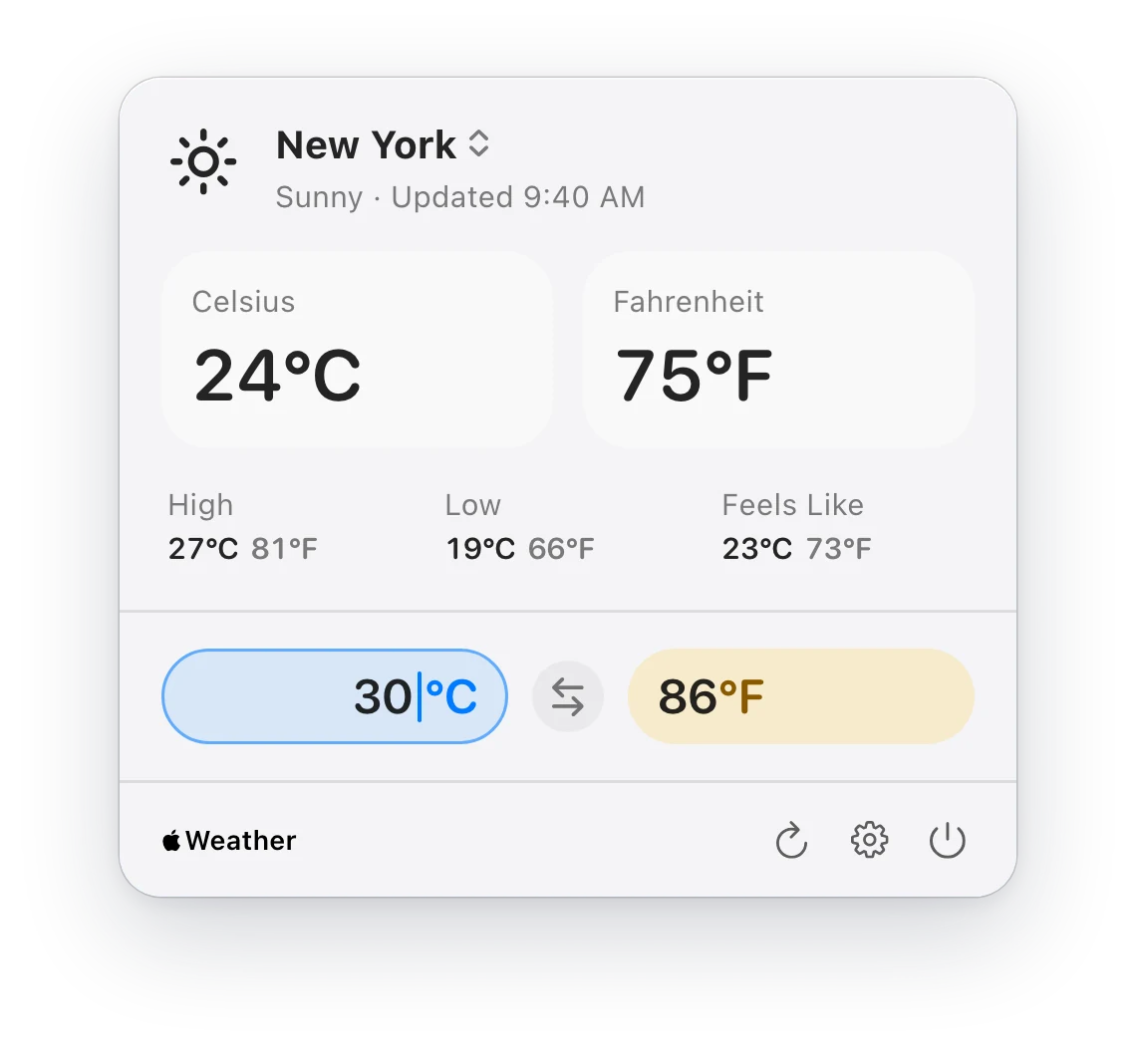
Current weather in Celsius and Fahrenheit, side by side, on Mac, iPhone and iPad.

More about TinyCelsius

Try it: click an item in the menu bar.

The Tiny collection

Three small apps. Each does one thing well.

No suites and no setup. Pick the one you need today; they are happy to share a menu bar.

TinyStopwatch

Menu bar timers for focused work

TinyStopwatch keeps a stopwatch and your countdown timers in the menu bar. Start timing in one click, keep the time in view while you work, and look back at every session when you need the numbers.

  • The running time sits in the menu bar, by the clock
  • Countdown timers for breaks, sprints and time-boxed work
  • A history of your sessions, with notes and CSV export

Mac · Free, with a one-time Pro upgrade
TinyNotepad

Version 2.0 coming soon

Quick notes in your menu bar

TinyNotepad keeps a notepad one click away in your menu bar. Click the icon or press your shortcut, write, and close it again. Everything saves as you type.

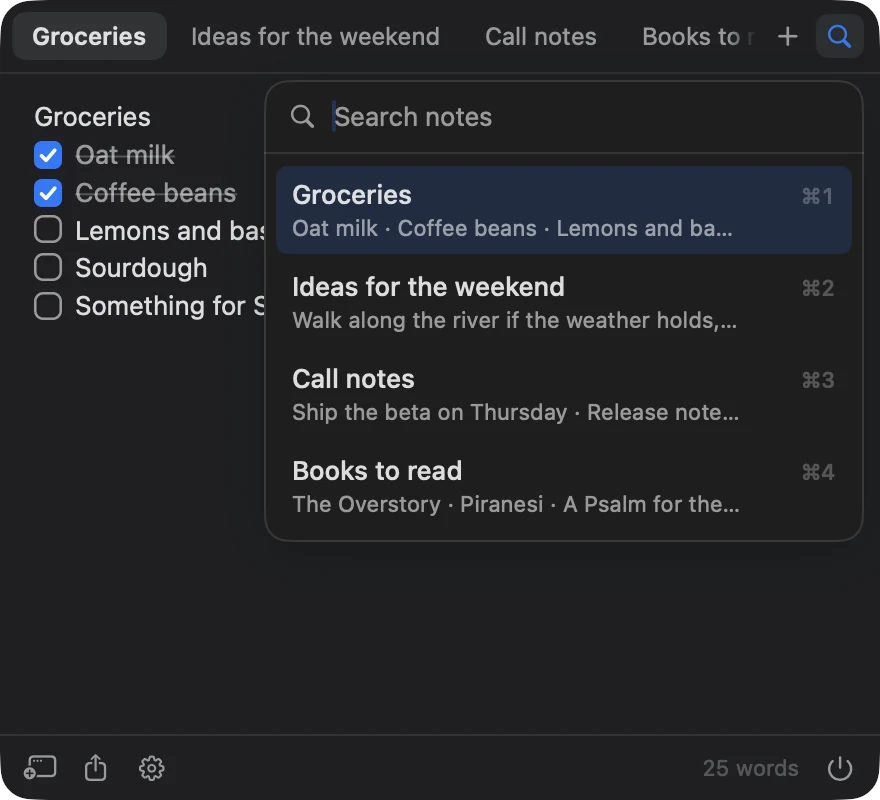
  • Notes open as tabs, and ⌘K searches all of them
  • Checklists, bullets and Markdown that keep up as you type
  • A popup under the menu bar, or a floating window

Mac · Free, with TinyNotepad Plus at $4.99 a year

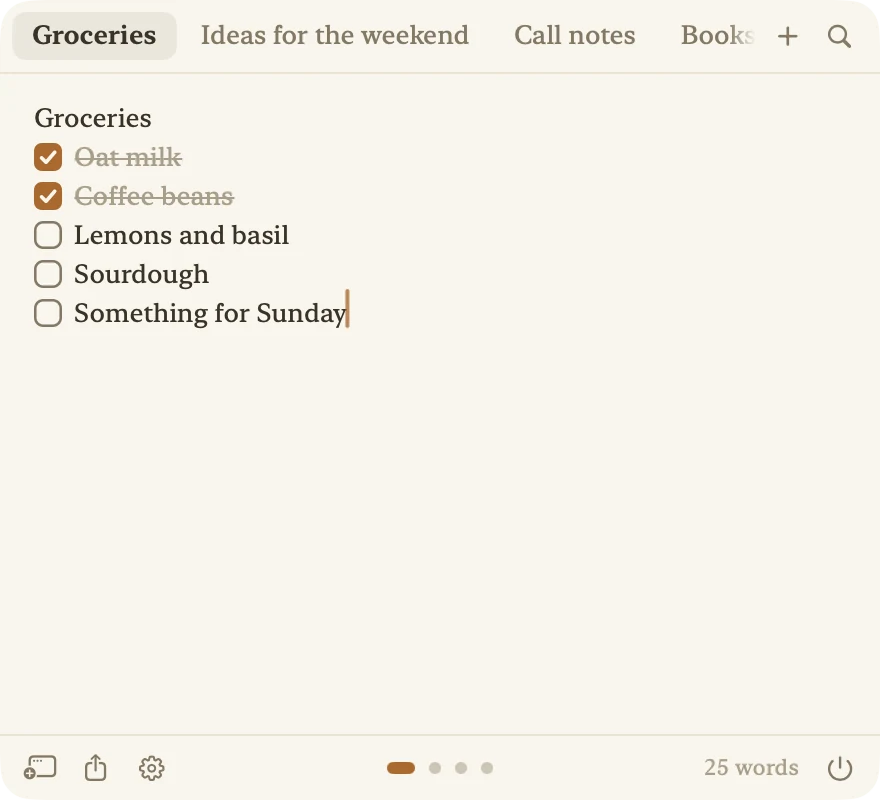
TinyNotepad in the Paper look: a warm page with a grocery checklistTinyNotepad in dark mode with note search open, listing four notes and their shortcuts

TinyCelsius

Celsius + Fahrenheit Weather

TinyCelsius shows the weather in Celsius and Fahrenheit, side by side, so nobody has to convert in their head. It lives in the Mac menu bar by the clock, on iPhone and iPad, and in widgets on all three.

  • Both units everywhere: menu bar, app and widgets
  • A converter you can type into or drag
  • Up to five places, each with its own widget

Mac, iPhone and iPad · Free

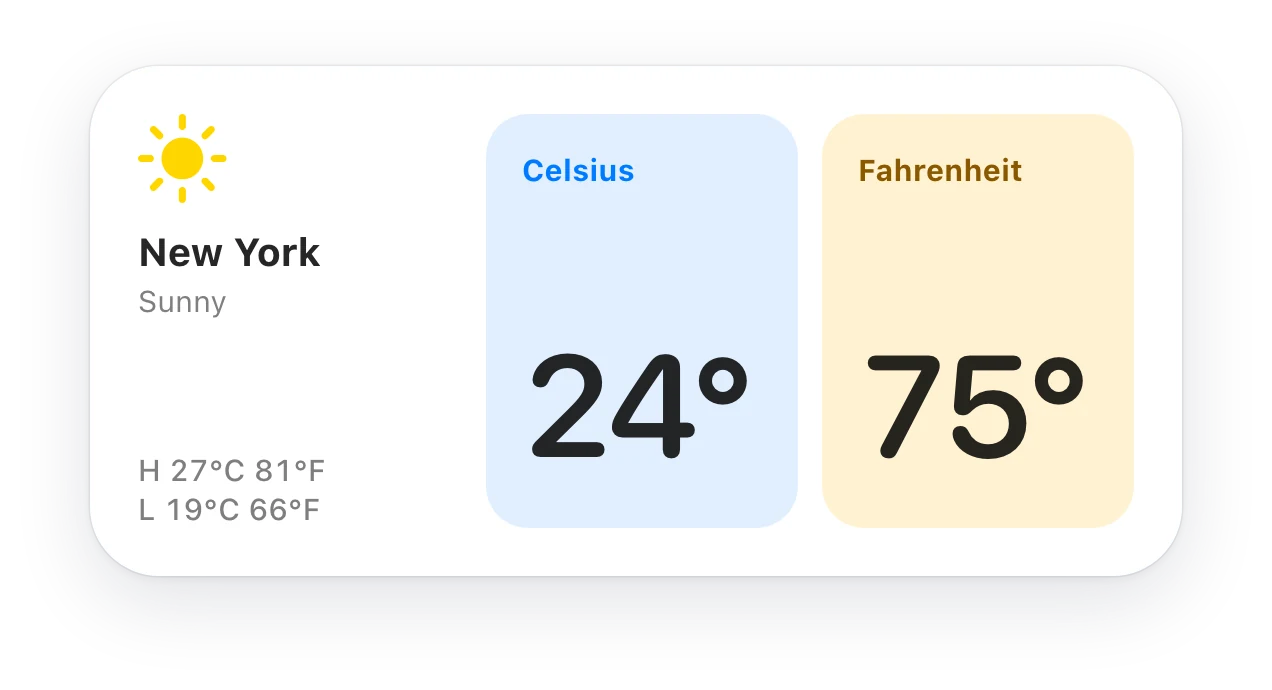
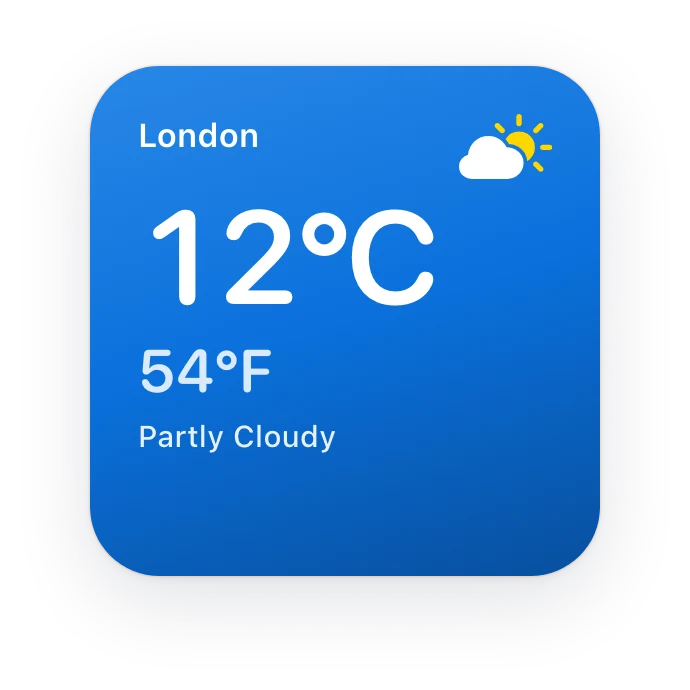
TinyCelsius’s Dual Tiles widget on the Mac desktop: New York, sunny, 24° Celsius and 75° FahrenheitTinyCelsius’s Sky widget: London, partly cloudy, 12°C and 54°F
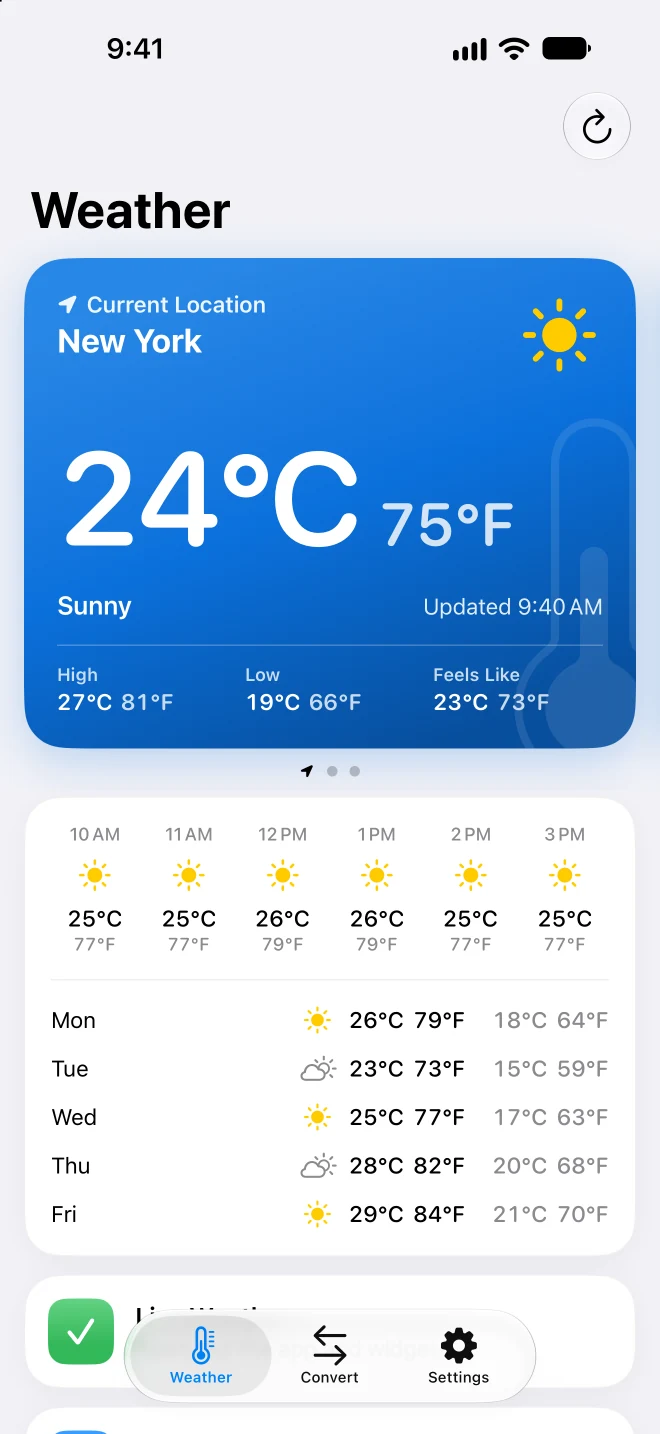
TinyCelsius on iPhone: New York at 24°C and 75°F, with the hourly and five-day forecast in both units

Small on purpose

Less app, more getting on with it.

  • One click away

    Each app opens from its item by the clock and is gone again when you click away. No Dock icon, no window to manage.

  • Made for the Mac

    Native apps, built with Apple’s own tools. They start in an instant and look at home in light and dark mode.

  • Private by design

    No accounts, no ads and no tracking in any of the apps. Your notes, sessions and places stay on your devices, or in your own iCloud.

  • Free to start

    All three are free to download. TinyCelsius is free outright; the other two keep their extras in a fair upgrade.

Good to know

Before you download.

Something not working, or an idea for one of the apps? We read every message.

I opened an app on my Mac but no window appeared. Where is it?

The Mac apps start in your menu bar, at the top right of the screen near the clock, and do not show a regular window or a Dock icon when they launch.

Look for the app’s item in the menu bar. If you cannot find it, see the next answer.

Do the apps collect my data?

No. TinyStopwatch, TinyNotepad and TinyCelsius do not collect personal data for Dion Software. There are no accounts, no ads and no tracking in the apps.

TinyCelsius uses Apple Weather through WeatherKit and can use your current location when you grant permission. TinyNotepad can sync your notes through your own iCloud when you turn that on. Dion Software does not receive or store your location or your notes.

The only personal data we receive is what you send through the contact form.

Do I need a subscription for any of the apps?

All three apps are free to download, and none of them needs a subscription to be useful.

TinyCelsius is completely free. TinyStopwatch Pro is a one-time purchase. TinyNotepad is free with up to three notes; TinyNotepad Plus, at $4.99 a year, adds iCloud sync, unlimited notes and the Paper look.